
AnythingLLM: The Free, Private ChatGPT That Runs on Your Own Metal
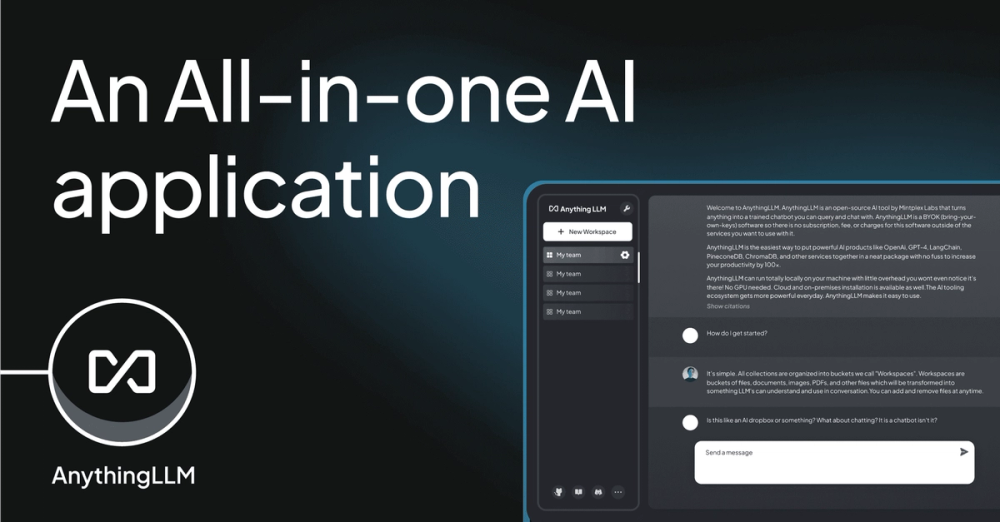
AnythingLLM is essentially a "Do-It-Yourself ChatGPT" that lives on your computer, not in the cloud. The most important free fact is that the Desktop version is completely free and unlimited—provided your computer is powerful enough to handle it.
🧠 What It Actually Does
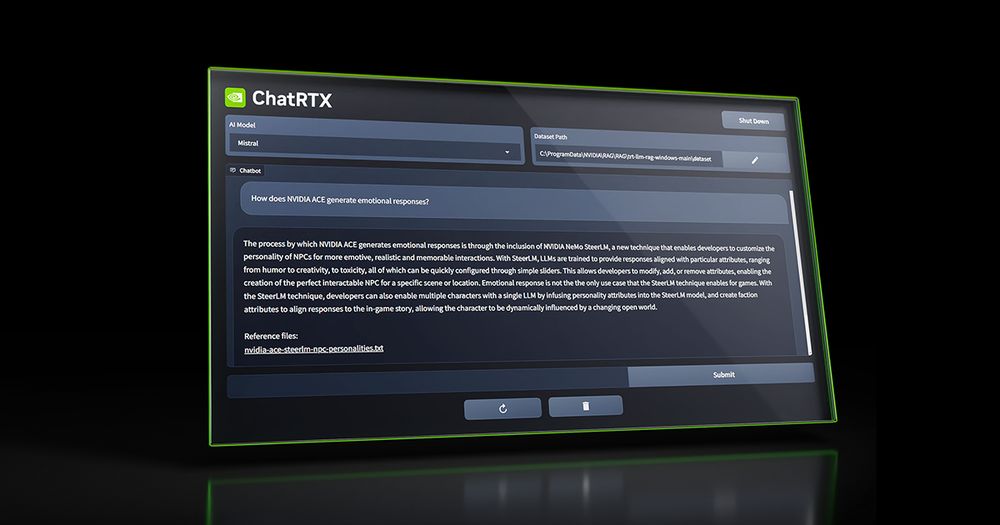
- Chat With Your Documents (RAG): You can drag and drop PDFs, Word docs, or even scrape websites into "workspaces." The AI reads them and answers questions based only on that data.
- Total Privacy: Everything stays on your machine. Your tax returns, diaries, or code snippets never leave your hard drive to train a tech giant's model.
- Model Flexibility: It allows you to swap brains. You can run open-source models (like Llama 3 or Mistral) locally for free, or connect your paid OpenAI/Anthropic API keys if you want smarter answers.
- Built-in Agents: The tool isn't just a chatbot; it can set up "agents" that browse the web or run code to solve complex problems, acting like a mini-employee on your desktop.
The Real Cost (Free vs. Paid)
The "catch" here isn't a paywall—it's your hardware. The software is free, but running smart AI requires a decent graphics card (GPU) and RAM. If you have a potato laptop, it will be painfully slow.
| Plan | Cost | Key Limits/Perks |
|---|---|---|
| Desktop (Free) | $0 | Unlimited chats/docs. Limit is your PC's speed (RAM/GPU). |
| Cloud (Hosted) | $50/mo | Managed server for teams. No GPU included (CPU only). Limits on large doc embedding. |
How It Stacks Up
In late 2025, the local AI space is crowded. Here is how AnythingLLM compares:
- Ollama: The backend engine. It's great for developers who like the command line (Terminal), but it lacks a friendly interface. AnythingLLM actually uses Ollama under the hood often.
- LM Studio: The best "app store" for AI models. It makes downloading new brains easier, but its document chatting (RAG) features aren't as robust or workspace-oriented as AnythingLLM.
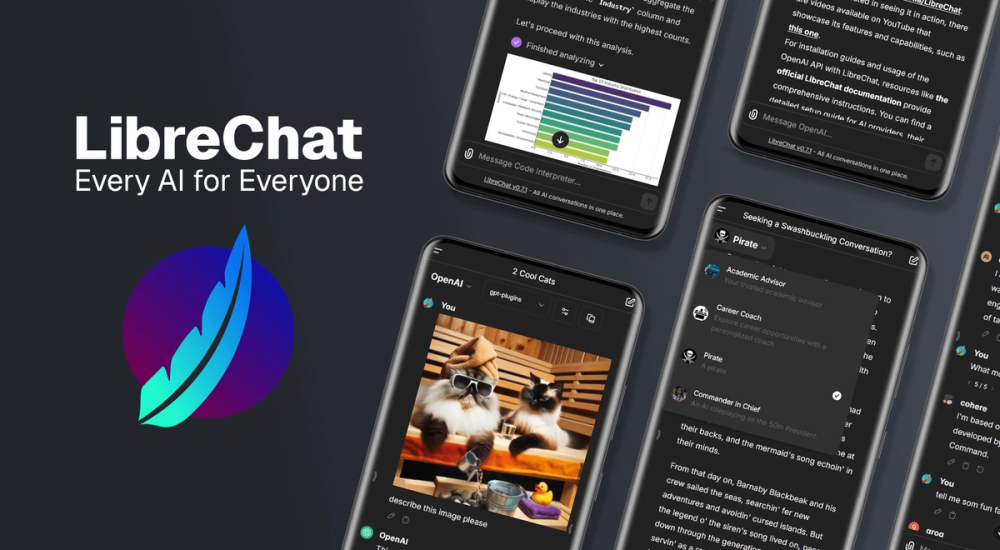
- Open WebUI: A very close competitor that looks almost exactly like ChatGPT. It is slightly more technical to set up (often requires Docker) compared to AnythingLLM's one-click install.
The Verdict
AnythingLLM represents a shift from "renting" intelligence to "owning" it. For years, we've accepted that AI is a magic service we pay a subscription for, beaming our data to a server farm in Virginia. This tool proves that for many tasks—especially those involving private documents—the best AI is the one running quietly on your own desk, free from monthly fees and prying eyes. It’s not just a tool; it’s a declaration of digital independence.