
Audacity Effects
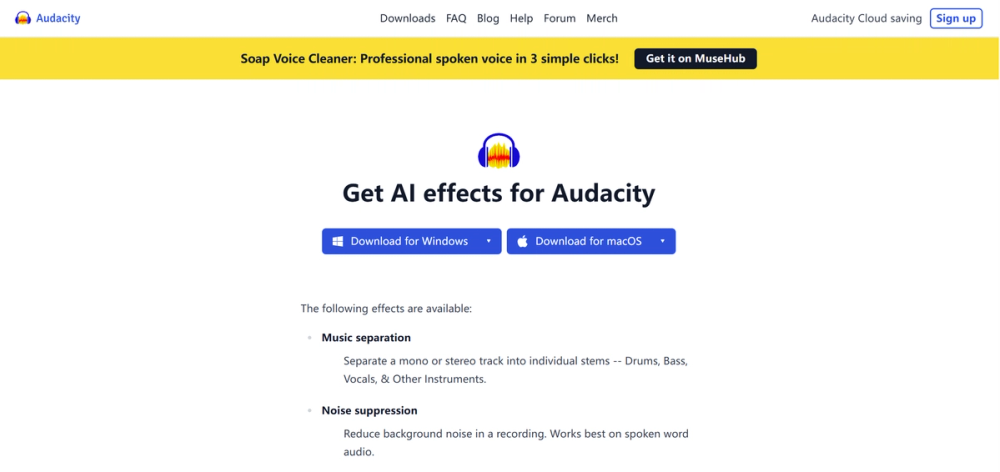
You know how every "free" AI tool eventually hits you with a "0 credits remaining" banner just as you're getting started? Audacity OpenVINO is the exact opposite. It is a suite of AI plugins that runs entirely on your own computer—meaning zero monthly fees, zero daily limits, and total privacy.
It’s not as polished as the flashy web apps, but once you set it up, you have an unlimited AI studio right on your hard drive.
🎨 What It Actually Does
These plugins essentially inject a brain into Audacity (the open-source audio editor everyone used in high school). Here is what the toolkit actually handles:
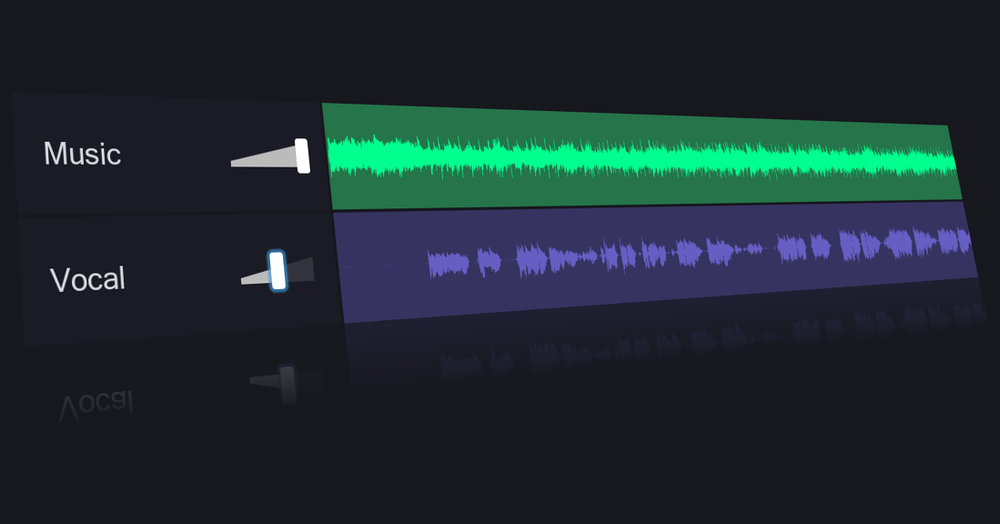
- Music Separation: It splits a single song file into separate tracks for vocals, drums, bass, and instruments. – Great for making karaoke tracks or remixing songs without the original project files.
- Noise Suppression: It nukes background hums, fan noise, and street sounds from your voice recordings. – Saves your podcast audio when you had to record in a less-than-ideal room.
- Whisper Transcription: It turns your audio into text labels directly on the timeline. – Let’s you edit audio by reading the script, or just export subtitles for free.
- Music Generation: It uses Stable Diffusion-style tech to generate short musical loops from text prompts. – Useful for creating copyright-free background filler for intro/outros.
The Real Cost (Free vs. Paid)
The price tag is $0, but the "cost" is your computer's processing power and your patience during installation. This is not a cloud tool; it uses your chip.
| Plan | Cost | Key Limits/Perks |
|---|---|---|
| Audacity OpenVINO | $0 | Unlimited use. Runs locally (offline). Heavy install (GBs). Speed depends on your PC. |
| Adobe Podcast | Free / $10+ | Fast & easy, but limited to ~30 mins/day (free). Audio can sound "robotic." |
| Descript | Free / $12+ | Amazing text-editing workflow, but free tier is limited to 1 transcription hour/month. |
Important Note: These plugins are optimized for Intel hardware (processors and graphics cards). If you are on a Mac with Apple Silicon (M1/M2/M3) or an AMD machine, it will still work, but it might run significantly slower because it relies purely on your CPU.
How It Stacks Up
1. Vs. Adobe Podcast (Enhance Speech)
- Adobe is magic for fixing bad microphones—you drag, drop, and it sounds like a studio. However, it often makes people sound like synthesized robots if the effect is too strong. Audacity’s Noise Suppression is more manual; you have to tweak sliders, but you keep the "human" texture of the voice. Plus, Adobe has a strict daily limit on the free tier; Audacity does not.
2. Vs. Descript
- Descript is an entire workflow editor; it changes how you edit video/audio by treating it like a Word doc. Audacity is a traditional "waveform" editor. Descript is miles better for editing a full podcast episode quickly. But if you just need to transcribe a 2-hour meeting for free without paying for "transcription hours," Audacity’s Whisper plugin is the winner.
3. Vs. Lalal.ai / Stem Splitters
- Web-based splitters like Lalal.ai charge you per minute of audio processed. Audacity does the same thing for free. The quality of Audacity's separation is surprisingly close to the paid tools, provided you don't mind waiting a few minutes for your computer to crunch the numbers.
The Verdict
We are currently renting our creativity from big tech companies. We upload our files to their clouds, pay for their credits, and train their models. Audacity OpenVINO represents a quiet but powerful shift back to ownership.
It is a reminder that AI doesn't have to be a subscription service. If you have a decent laptop, you can own the means of production. It’s clunky, it requires a heavy download, and it might make your laptop fan scream—but it’s yours. For the budget-conscious creator who values privacy and unlimited tinkering, this is the only audio tool that matters right now.