
FreeTTS: The "Burner Phone" of AI Voice Tools
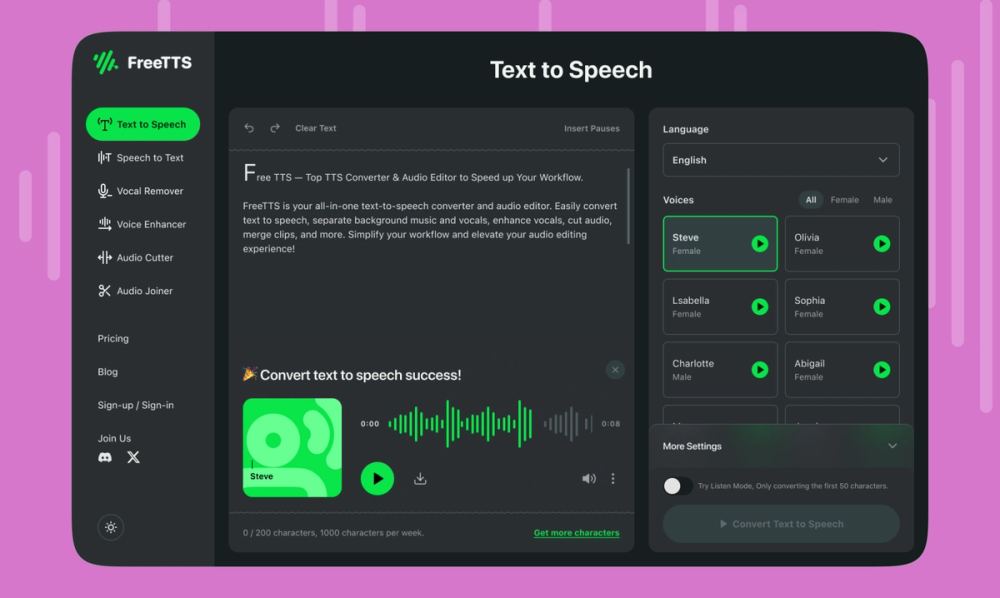
FreeTTS (freetts.com) is the digital equivalent of a disposable camera: it’s not fancy, it feels a bit cheap, but it gets the job done when you need a quick audio file without signing your life away. While giants like ElevenLabs perform broadway-level voice acting, FreeTTS just wants to read your text file and go home.
The Free Allowance: You get 10,000 characters per month (approx. 10-15 minutes of audio) on the free tier.
📝 What It Actually Does
- Browser-Based Processing: Your text is converted locally or via quick server pings without deep storage – Privacy-focused and fast.
- SSML Support: It accepts Speech Synthesis Markup Language (tags that tell the AI to pause or emphasize) – Granular control for developers or power users who know the code.
- MP3 Export: It lets you download the audio file directly – Crucial for adding scratch audio to video edits or slides without recording yourself.
The Real Cost (Free vs. Paid)
The "free" label comes with a ceiling. The 10,000-character limit is tight—roughly two decent-sized blog posts. If you go over, you hit the paywall hard.
| Plan | Cost | Key Limits/Perks |
|---|---|---|
| Free | $0 | 10,000 chars/mo limit. Standard Google voices only. Ads on page. |
| Monthly | $19 | 500,000 chars/mo. Access to Neural/WaveNet voices (higher quality). |
The Catch: The free voices are "Standard Google" quality. They sound robotic and distinctly 2015. If you want the buttery-smooth "Neural" voices, you have to pay. Also, the site is heavy on ads.
How It Stacks Up
If you need professional polish, FreeTTS struggles against the heavy hitters.
- ElevenLabs: The current king of quality. Its free tier also caps at ~10,000 characters, but the voices are indistinguishable from human actors. Winner for: Content creation.
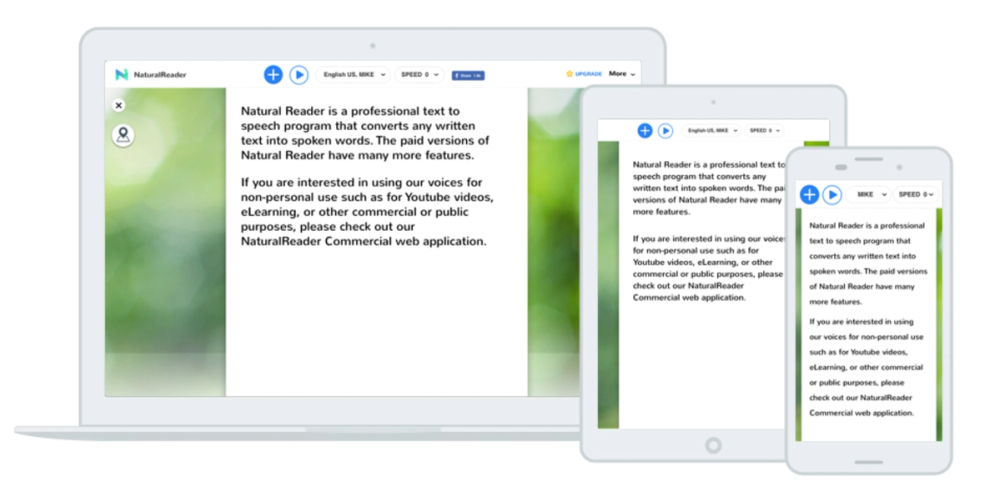
- NaturalReader: Excellent for personal use (studying/reading). Their web reader is virtually unlimited for listening, but downloading the MP3 files costs money. Winner for: Students/Consumption.
- Microsoft Edge "Read Aloud": The best-kept secret. It’s completely free, unlimited, and uses ultra-high-quality Neural voices, but you can't easily export the audio to an MP3 file (it's for listening in-browser). Winner for: Unlimited listening.
The Verdict
FreeTTS is a utility, not a creative partner. It is perfect for "scratch audio"—placeholder voiceovers you use while editing a video before you record the real thing—or for debugging accessibility features on a website. It is a functional, unglamorous hammer in a world of expensive power drills. Use it when you need a file right now and don't care if it sounds a little bit like a robot.