Newsletter
Join the Community
Subscribe to our newsletter for the latest news and updates

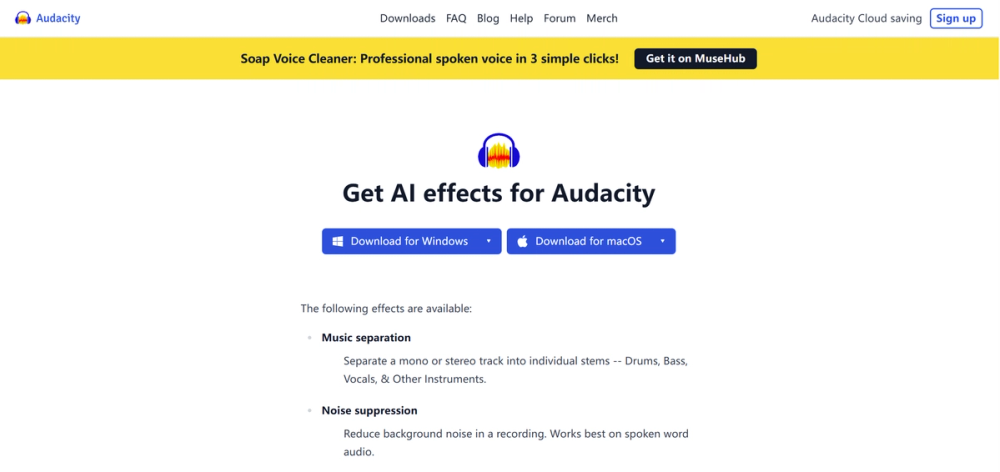
Isolate vocals and transcribe unlimited audio for free locally with Audacity OpenVINO. This open-source suite runs entirely offline to eliminate subscription fees and daily credit caps found in cloud tools. Optimized for Intel hardware, it delivers private, zero-cost noise suppression and music generation directly on your hard drive.

I Love Free - The best free AI tools directory
Split full tracks into vocals and music for free with Vocali.se. Powered by Deezer's open-source Spleeter engine, this utility processes files up to 10 minutes long without demanding a credit card or email signup. It optimizes workflow for DJs and hobbyists needing quick MP3/WAV separation without the subscription costs of premium alternatives.
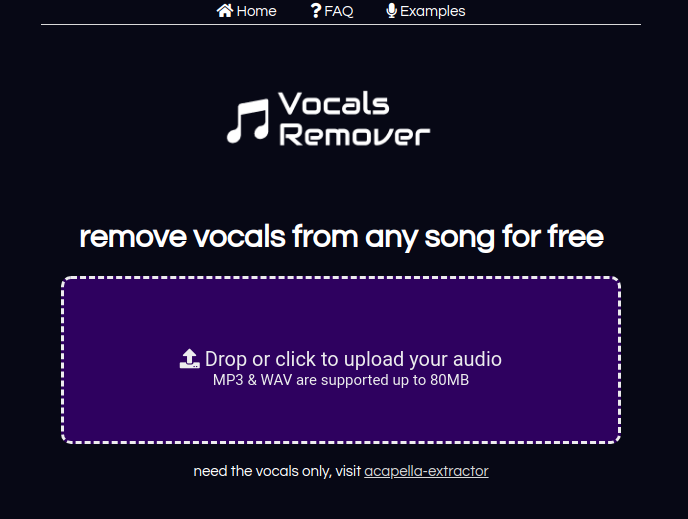
Strip vocals from any song instantly for free with Remove Vocals. Powered by the open-source Spleeter engine, this browser-based tool processes MP3/WAV files up to 80MB without installation. Ideal for casual karaoke or quick sampling, it guarantees 2 free songs every day with zero account signup or credit card required.
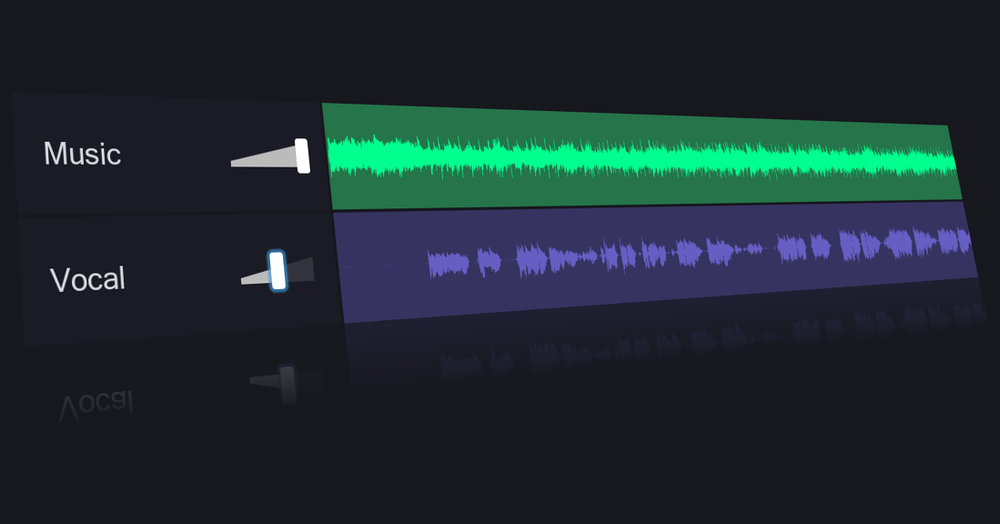
Isolate vocals and instrumentals instantly for free using VocalRemover.org's browser AI. This zero-install utility grants 1 free song split daily, serving as a rapid solution for remixers and content creators. It features automatic Key/BPM detection and pitch control for seamless audio editing without the complex setup of desktop alternatives like UVR.
You know how every "free" AI tool eventually hits you with a "0 credits remaining" banner just as you're getting started? Audacity OpenVINO is the exact opposite. It is a suite of AI plugins that runs entirely on your own computer—meaning zero monthly fees, zero daily limits, and total privacy.
It’s not as polished as the flashy web apps, but once you set it up, you have an unlimited AI studio right on your hard drive.
These plugins essentially inject a brain into Audacity (the open-source audio editor everyone used in high school). Here is what the toolkit actually handles:
The price tag is $0, but the "cost" is your computer's processing power and your patience during installation. This is not a cloud tool; it uses your chip.
| Plan | Cost | Key Limits/Perks |
|---|---|---|
| Audacity OpenVINO | $0 | Unlimited use. Runs locally (offline). Heavy install (GBs). Speed depends on your PC. |
| Adobe Podcast | Free / $10+ | Fast & easy, but limited to ~30 mins/day (free). Audio can sound "robotic." |
| Descript | Free / $12+ | Amazing text-editing workflow, but free tier is limited to 1 transcription hour/month. |
Important Note: These plugins are optimized for Intel hardware (processors and graphics cards). If you are on a Mac with Apple Silicon (M1/M2/M3) or an AMD machine, it will still work, but it might run significantly slower because it relies purely on your CPU.
1. Vs. Adobe Podcast (Enhance Speech)
2. Vs. Descript
3. Vs. Lalal.ai / Stem Splitters
We are currently renting our creativity from big tech companies. We upload our files to their clouds, pay for their credits, and train their models. Audacity OpenVINO represents a quiet but powerful shift back to ownership.
It is a reminder that AI doesn't have to be a subscription service. If you have a decent laptop, you can own the means of production. It’s clunky, it requires a heavy download, and it might make your laptop fan scream—but it’s yours. For the budget-conscious creator who values privacy and unlimited tinkering, this is the only audio tool that matters right now.